Detect
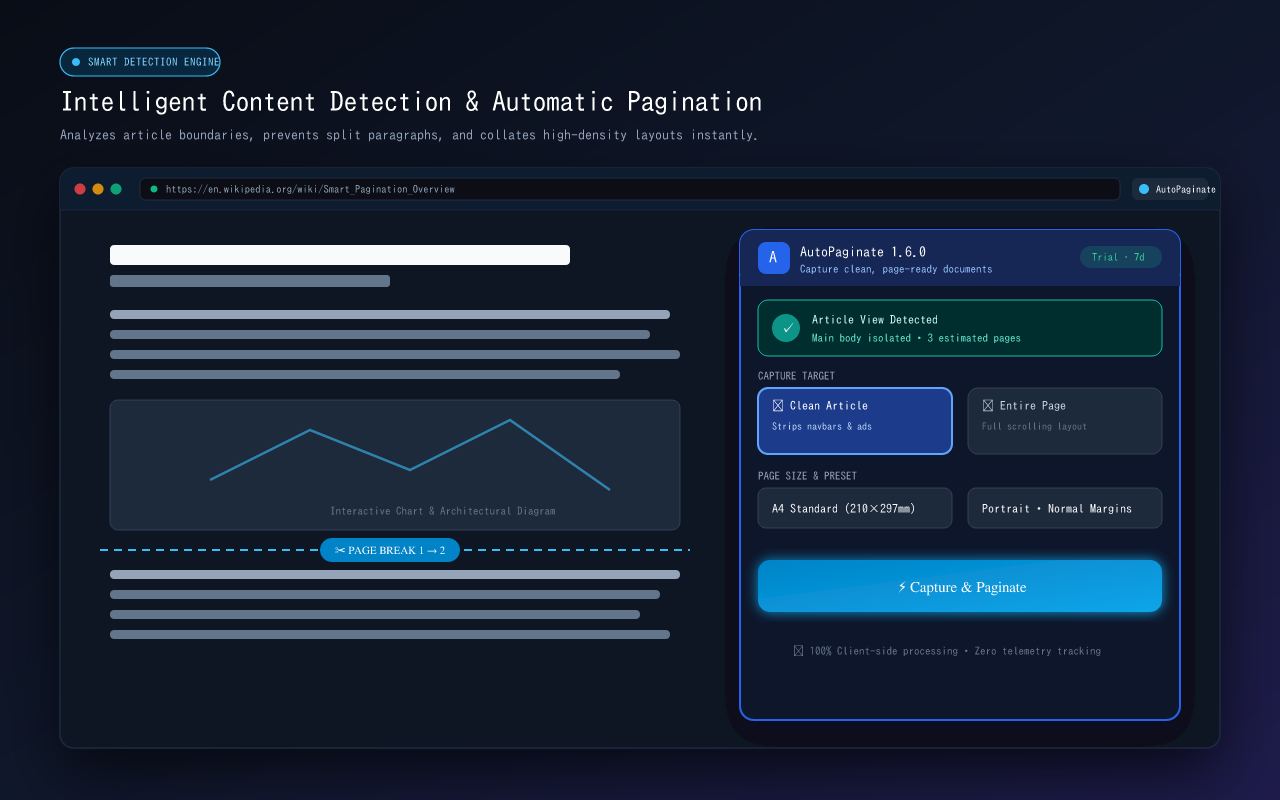
Identify document pages and estimate the capture.
 AutoPaginate 1.6
Enable My Growth / Chrome extension
Capture the document, not just the webpage.
AutoPaginate detects multi-page web documents, captures them in sequence, assembles them correctly, and lets you review, redact, and export them as clean PDFs or images.
Free captures webpages. Personal understands documents.
Local-first by design
AutoPaginate processes captures locally in your browser. Captured pages are not uploaded to Enable My Growth or a third-party service as part of the core capture workflow. Read the Privacy Policy.
Product walkthrough
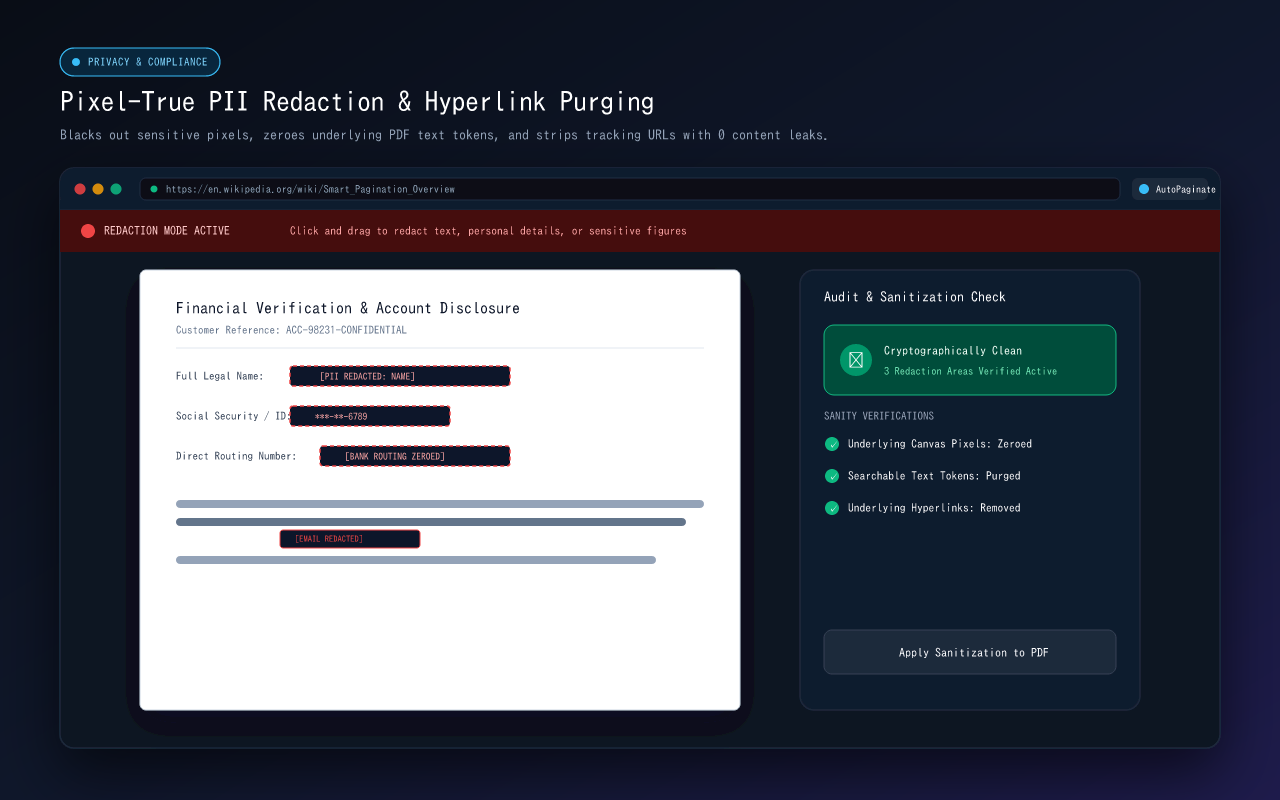
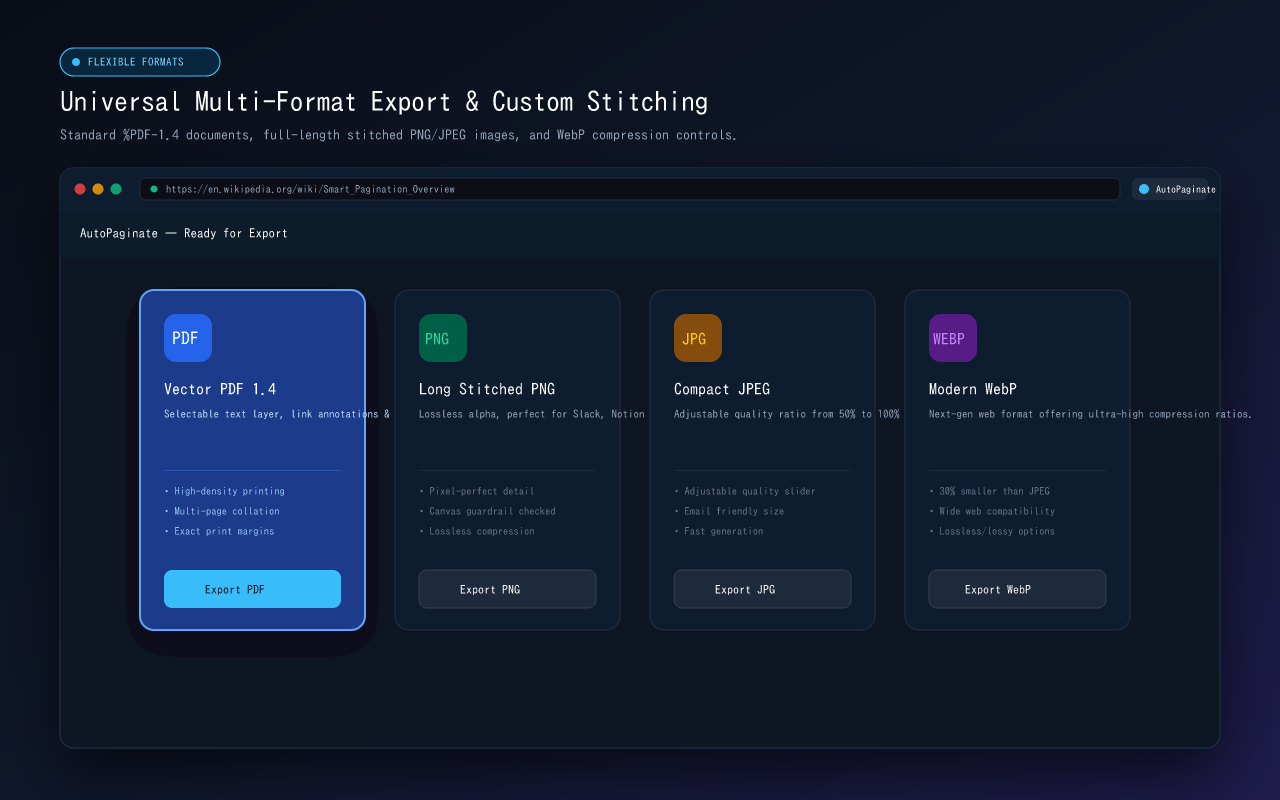
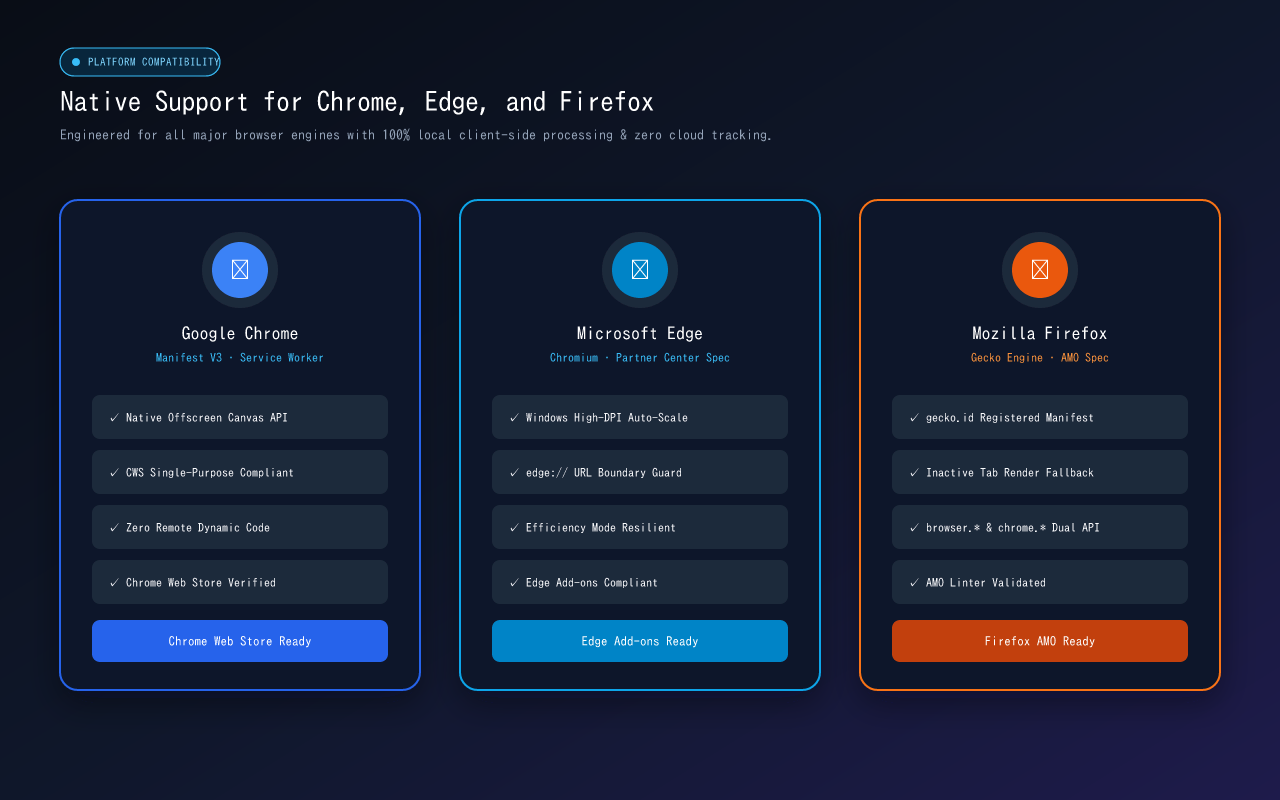
A closer look at the capture, editing, redaction, export, and browser-support surfaces in the production extension.
Document workflow
A capture workflow built around the document you want to keep, review, and use.
Identify document pages and estimate the capture.
Capture the pages in sequence from the active tab.
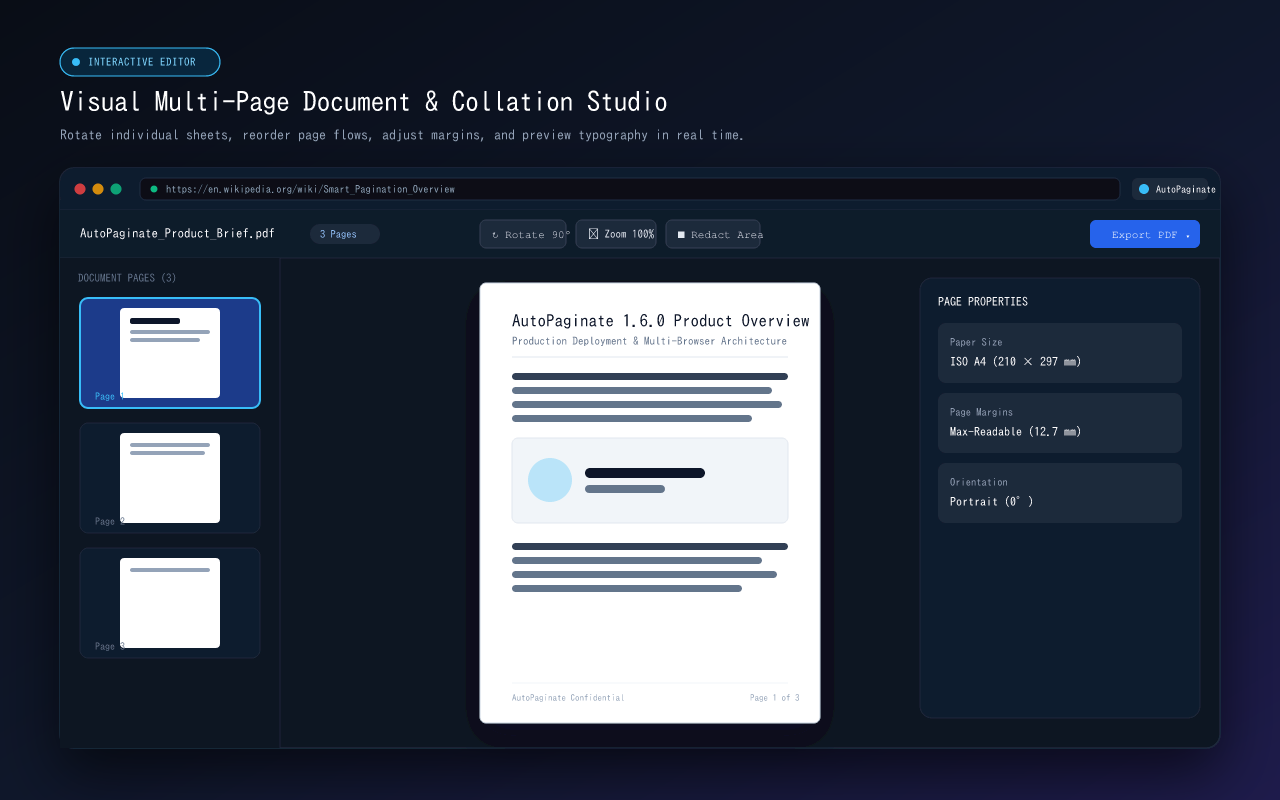
Bring the captured pages together as one document.
Review, annotate, and redact before export.
Create a PDF or image output for the finished document.
How it works
Open the document or paginated content you want to capture.
Launch AutoPaginate from Chrome.
Let AutoPaginate detect and capture the pages.
Review and annotate the captured content.
Export the finished document as PDF or images.
The document difference
Traditional screenshot tools capture what is on the page. AutoPaginate is designed to understand document structure, capture pages in sequence, preserve the workflow, and produce a usable document.
Built for document-heavy work
Choose your workflow
Start with everyday capture. Upgrade when the work calls for document-aware tools.
Free
Personal
$12/year or $29 lifetime
7-day Personal trial · No card required · Coming soon
AutoPaginate
AutoPaginate is available now in the Chrome Web Store.
Add to ChromeFind support for page capture, exports, permissions, bug reports, and feature requests.